For flooring pros
Walk the job, LiDAR-scan or draw every room, build the stairs, assign materials, and walk out with a print-ready packet — before you leave the driveway.
iPhone · iPad · Mac / iOS 17+ · macOS 14+
Plan details
Every feature exists because someone had to measure a house, order carpet, and not eat the mistake.
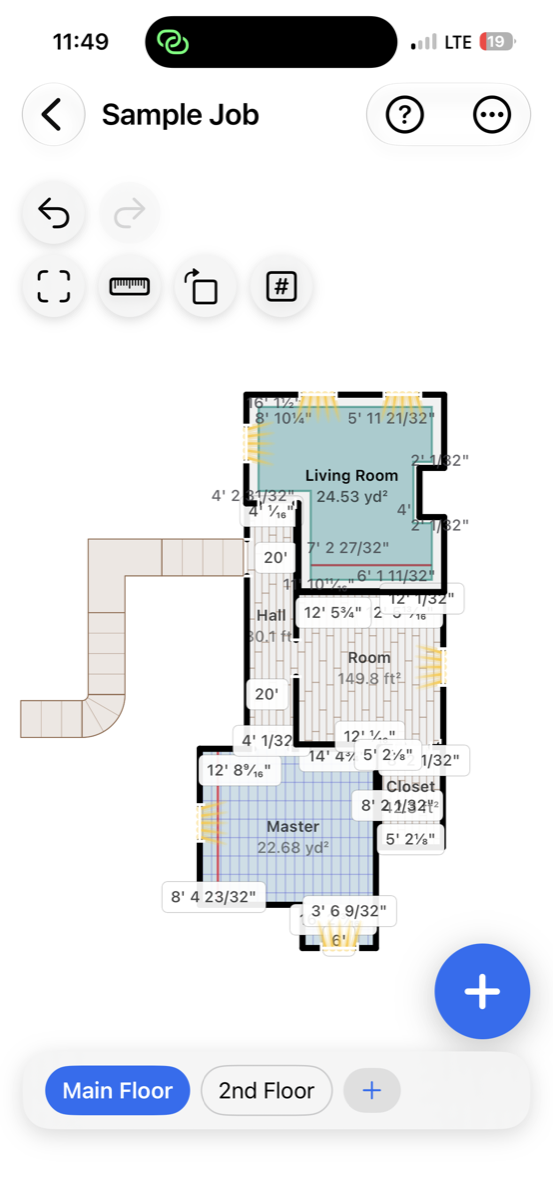
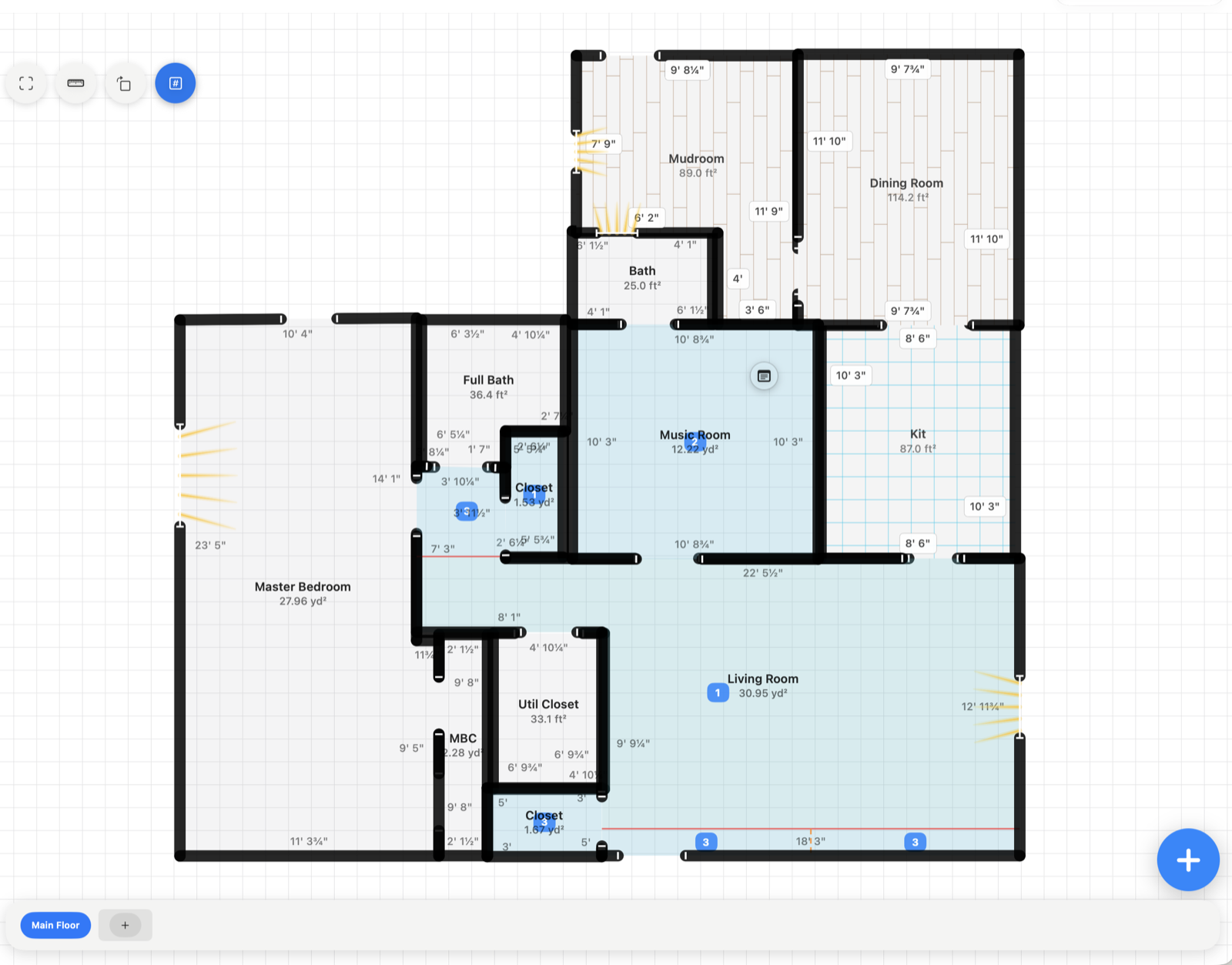
LiDAR-scan a room and get fully editable geometry — walls, openings, islands, windows. Or draw by hand with wall locks, 90° snapping, and curved walls.
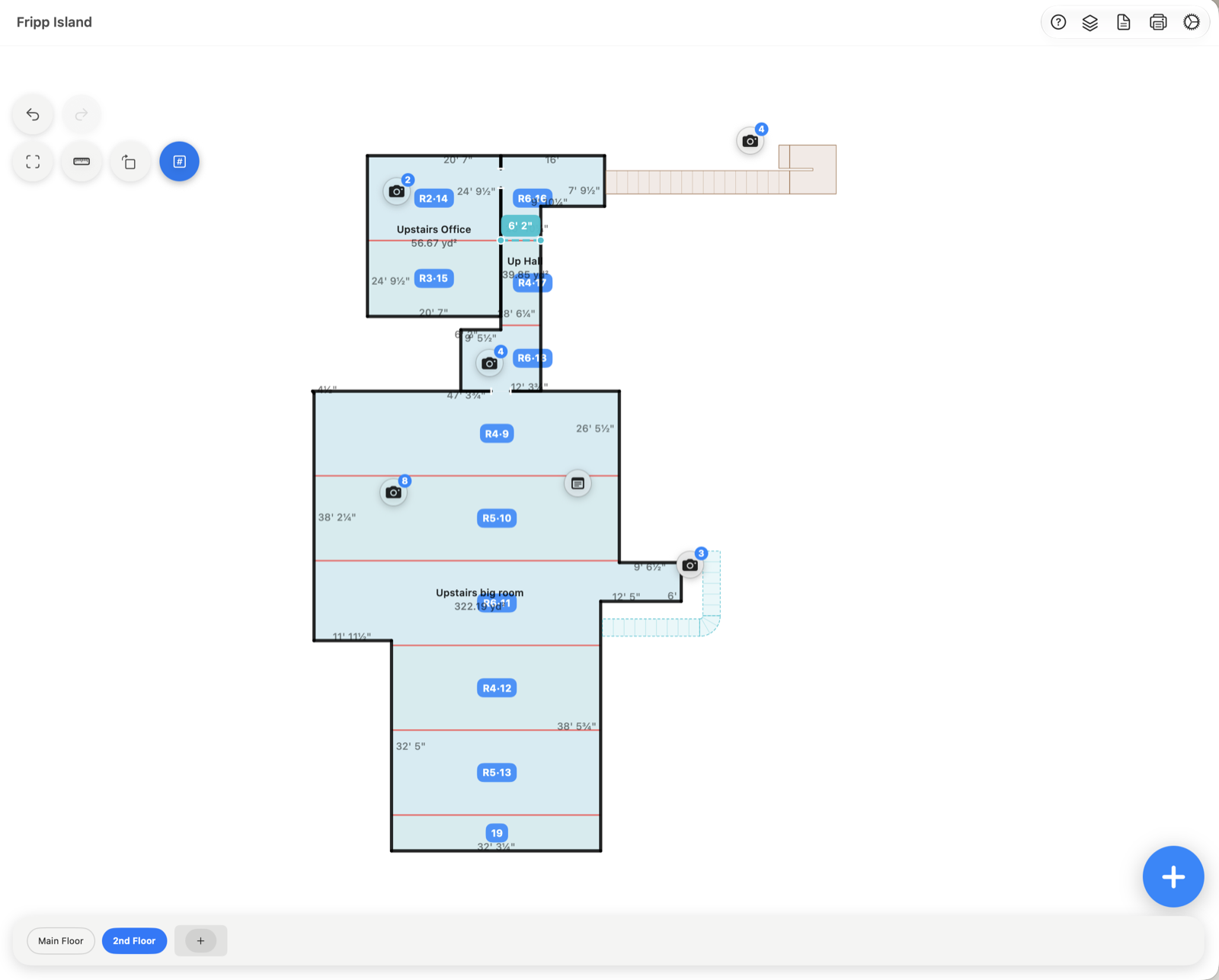
Broadloom estimates are built room by room from wall-to-wall cuts, seam layout, T-seams, remnants, and pattern match.
Straight steps, pie steps, landings, and U-landings — measured as real sections with the material they actually take.
Print or export a full job packet: scaled blueprint overview, per-room pages, per-rug pages, and carpet cut sheets with roll allocation.
Scan on the iPhone, edit on the iPad, print from the Mac — iCloud keeps jobs in step. Imperial to 1/32″ or metric.
Pair a Bluetooth laser distance meter and shoot measurements straight into the plan while you edit. Support for more devices is on the way.
Field notes
Screenshots from real takeoffs.
Pricing